
 today deals
 special offer


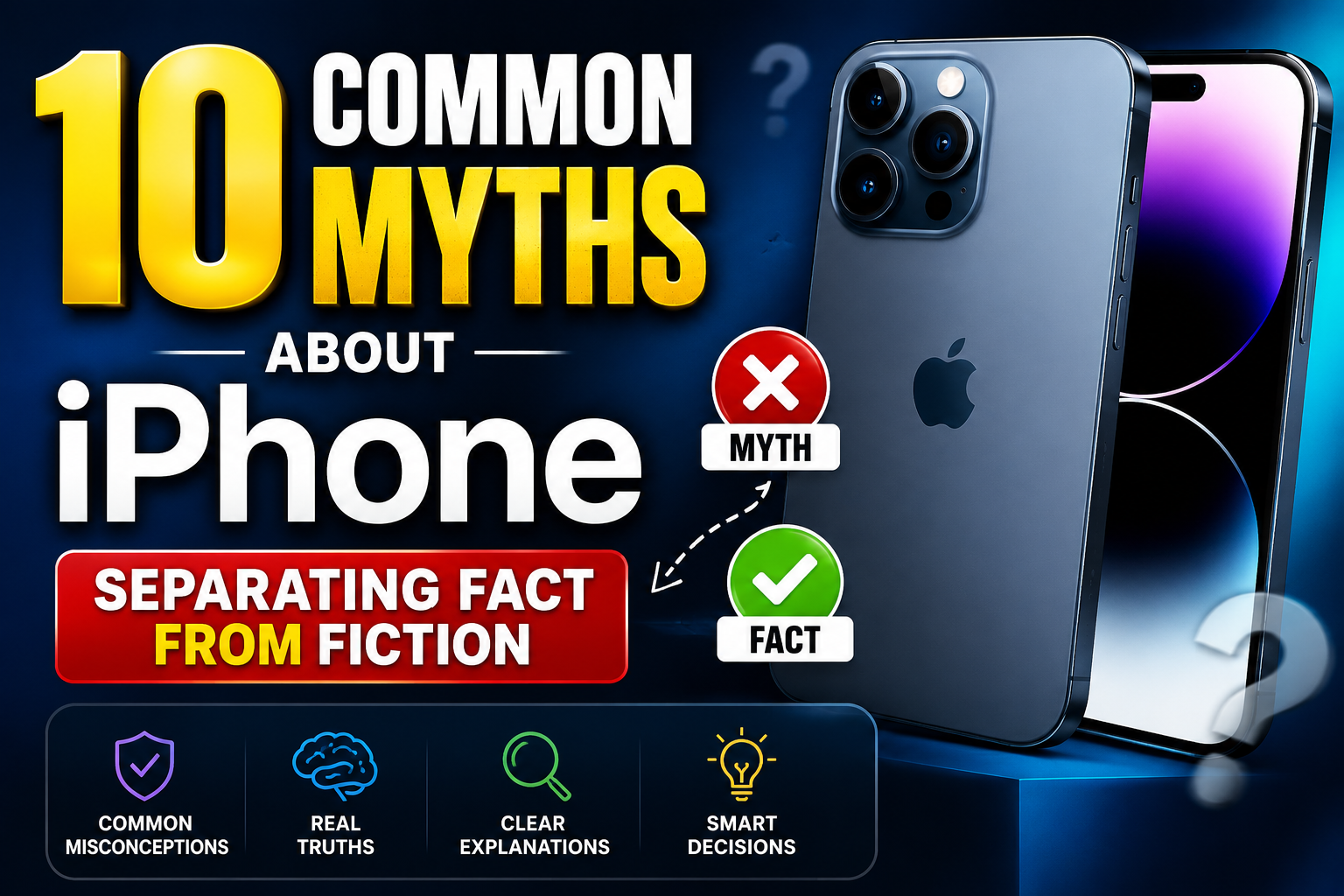
Whether you’ve been using an iPhone for a decade or just bought your first device, chances are you’ve picked up a few habits based on word-of-mouth tech advice. From constantly force-closing background apps to avoiding overnight charging, plenty of smartphone rules seem like common sense—until you look at how iOS actually works under the hood.
In this guide, we are busting 10 of the most persistent iPhone myths so you can protect your device, optimize battery health, and stop worrying about harmless habits.
1. Myth: Force-Closing Apps Saves Battery Life
The Reality: Force-closing apps actually drains your battery faster.
When you swipe away an app from the App Switcher, you might think you are stopping it from consuming power. However, iOS is engineered to freeze background apps in a suspended state where they consume zero CPU power or RAM.
When you re-open a force-closed app, your phone’s processor has to reload all its assets from scratch into memory. This extra processing spike consumes significantly more battery than letting the system keep the app suspended.
2. Myth: Charging Your iPhone Overnight Ruins the Battery
The Reality: Modern iPhones are smart enough to prevent overcharging.
Older lithium-ion battery technology suffered from overcharging damage, but modern iOS devices use advanced internal Power Management ICs (Integrated Circuits).
Features like Optimized Battery Charging learn your daily routine. Your iPhone will charge to 80% overnight, delay the final 20% while you sleep, and finish charging right before your morning alarm rings.
3. Myth: You Must Let Your Battery Drop to 0% Before Charging
The Reality: Draining your battery to zero causes unnecessary wear.
This belief stems from older Nickel-Cadmium (NiCad) batteries, which suffered from a “memory effect.” Modern iPhones use Lithium-ion batteries, which perform best when kept between 20% and 80% charge. Fully discharging your battery puts high voltage stress on chemical cells and speeds up degradation over time.
4. Myth: More Megapixels Always Mean a Better Camera
The Reality: Image processing software and sensor size matter far more than raw megapixel counts.
A 48MP sensor does not automatically guarantee a better photo than a 12MP sensor. Factors like physical sensor size, lens aperture, optical image stabilization (OIS), and Apple’s Photonic Engine processing dictate dynamic range, color accuracy, and low-light performance.
5. Myth: iPhones Cannot Get Viruses or Malware
The Reality: iPhones are highly secure, but they are not 100% immune.
Apple’s “walled garden” approach—sandboxing apps and requiring strict App Store reviews—makes iOS far more secure than open ecosystems. However, iPhones can still be vulnerable to sophisticated phishing attacks, malicious calendar invites, spyware (like Pegasus), and browser-based exploits.
6. Myth: Using Non-Apple Chargers Will Damage Your iPhone
The Reality: Certified third-party chargers are safe and reliable.
You do not need to buy expensive, official Apple power adapters. As long as you purchase chargers and cables certified by MFi (Made for iPhone) or reputable brands meeting USB Power Delivery (USB-PD) standards, your device remains protected against voltage spikes and overheating.
(Avoid unbranded, dollar-store cables lacking safety certifications!)
7. Myth: Leaving Wi-Fi and Bluetooth On Severely Drains the Battery
The Reality: Modern Wi-Fi and Bluetooth chips use negligible power when idle.
Earlier smartphone generations suffered from high battery drain when wireless radios searched for connections. Today, Bluetooth Low Energy (LE) and modern Wi-Fi chipsets consume virtually no energy when not actively transferring heavy files or connected to devices. Turning them off constantly saves trivial amounts of battery power.
8. Myth: Putting a Wet iPhone in Rice Will Fix It
The Reality: Rice delays drying and can insert dust and micro-particles into your charging port.
Uncooked rice is inefficient at absorbing moisture compared to dedicated desiccants like silica gel packets. Moreover, starch and small rice grains can get stuck inside the charging port or speaker grilles.
What to do instead: Tap the iPhone gently against your hand with the connector facing down to remove excess liquid, and let it dry naturally in an open area with good airflow.
9. Myth: Apple Intentionally Slows Down Old iPhones to Force Upgrades
The Reality: Performance throttling was introduced to prevent sudden device shutdowns, not to force new sales.
The infamous “Batterygate” issue arose because degraded lithium-ion batteries cannot supply peak voltage demands during intense CPU tasks, leading to sudden phone shutdowns. Apple added Performance Management features to scale down maximum CPU performance only when battery health declines severely.
You can toggle this off at any time in System Settings > Battery > Battery Health & Charging.
10. Myth: Dark Mode Dramatically Increases Battery Life on ALL iPhones
The Reality: Dark Mode saves battery only on OLED screens.
Dark Mode looks great, but its battery-saving benefits depend entirely on your display hardware:
- OLED Displays (iPhone X, XS, 11 Pro, 12 series and newer): Individual pixels turn off completely to display true blacks, saving substantial energy.
- LCD Displays (iPhone XR, iPhone 11, iPhone SE): The LED backlight remains fully illuminated regardless of screen color, resulting in zero battery savings from Dark Mode.
Upgrade Your iPhone Charging Setup
Keep your battery healthy and your desk organized with our tested, high-performance power accessories:
- MFi-Certified Fast Chargers: USB-C power delivery bricks engineered to safely charge your iPhone from 0% to 50% in 30 minutes.
- Magnetic Wireless Charging Stands: Sleek desktop chargers with built-in thermal management to protect battery longevity.
- Durable Braided Cables: Reinforced cables designed to withstand over 10,000 bends without fraying.
👉 [Explore Our Certified iPhone Accessories Collection] (Internal Link Placeholder)
Frequently Asked Questions (FAQ)
What is the healthiest way to charge an iPhone?
Keep your iPhone charged between 20% and 80% when possible, avoid exposing it to high temperatures (like direct sunlight on a car dashboard), and leave Optimized Battery Charging turned on in settings.
Should I turn off my iPhone periodically?
Restarting your iPhone once a week clears temporary system caches, resets background processes, and fixes minor software glitches. It isn’t strictly mandatory, but it helps keep iOS running smoothly.
How do I know if a third-party charger is safe for my iPhone?
Look for the official MFi (Made for iPhone) logo on the product packaging, or choose reputable brands that list explicit compliance with USB-PD (Power Delivery) standards.
Wrap-Up: Protect Your iPhone with Facts
Separating myths from realities helps you get the absolute best performance and lifespan out of your iPhone. By ditching outdated habits—like force-closing apps or burying wet phones in rice—you can save time and keep your device in peak condition for years to come.
Looking to optimize your everyday setup? Check out our full range of [Certified Fast Chargers, Wireless Pads, & Accessories] today!


Leave a Reply